
06
2026
Searching for a Kwiff casino APK can seem like a quick way to put the brand on your phone. But before downloading anything, UK players should check whether the file is genuinely official, whether it is intended for their device, and whether using it complies with the operator’s current terms. An APK is an Android installation package; it is not automatically safe simply because a website labels it “Kwiff”.
This guide explains how to assess an APK, what safer alternatives to consider, and how Kwiff promotions fit into the picture. The exact app and bonus offers available can change, so confirm details through Kwiff’s official channels before signing up or depositing.
What Is a Kwiff APK?
Android apps are commonly installed through an official app store. An APK allows an app to be installed directly from a downloaded file, sometimes called sideloading. That can be legitimate when a trusted developer distributes the package, but it also bypasses some protections and checks associated with recognised app stores.
Search results, download portals, social media posts, and messages may offer files described as the Kwiff Casino APK. A convincing logo or familiar app name does not prove that the file was created by Kwiff. A modified or counterfeit package could request unnecessary permissions, collect personal details, display misleading payment screens, or contain harmful software.
Is It Safe to Download?
The safest approach is to install Kwiff only from a source linked directly by the operator, such as its verified website or an official app-store listing, if one is currently available for your device and location. If Kwiff does not direct users to an APK download, do not assume that a third-party file is authorised. Contact the operator’s support team using contact details obtained from its official site.
Even a file that appears genuine should be checked against current guidance. A package can become outdated, be hosted on an imitation domain, or be altered after leaving the developer’s control. Security software may help identify known threats, but a clean scan is not proof that an app is legitimate or that it handles payments safely.
Checks to Make Before Installing
- Verify the source: Navigate to Kwiff’s official site yourself rather than relying on an advert, forwarded link, or search result download button.
- Check the developer: If an app-store listing exists, confirm that the publisher matches the operator information shown on Kwiff’s official channels.
- Review permissions: Be cautious if a casino app requests access that appears unrelated to its functions, such as broad access to contacts or messages.
- Inspect the domain: Look for misspellings, unusual web addresses, and pages that imitate the design of the real service.
- Keep Android updated: Install security updates and use device protections, particularly if you install apps outside a recognised store.
- Stop if anything feels wrong: Do not enter passwords, payment details, or identity documents into an app whose origin you cannot verify.
Safer Ways to Access Kwiff on Mobile
For many players, using the official mobile website through a current browser is a practical alternative to sideloading. Type the operator’s verified web address into the browser rather than following an unsolicited link. If the service provides an official app through a recognised store, use the link supplied by the operator and compare the listing details before installing.
Whichever route you use, check that the connection is secure and that the account page belongs to the genuine service. A padlock icon alone does not establish that a website is trustworthy; it only indicates that the connection is encrypted. Never reuse a password from another account, and do not save payment information on a device shared with other people.
Kwiff Promo Codes and Bonuses
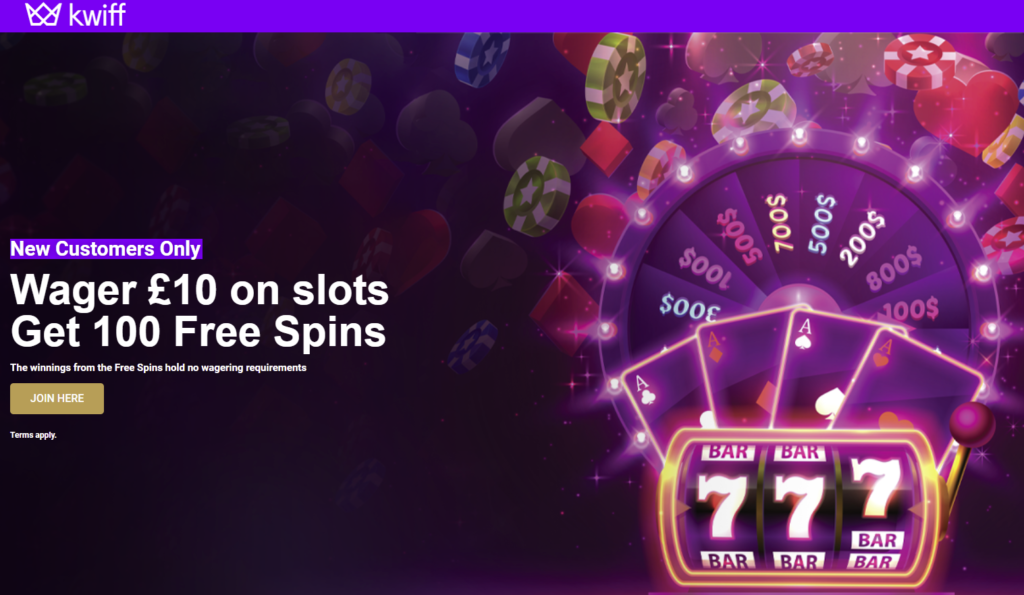
Promotions can be attractive, but they do not make an unofficial APK safer. Searchers looking for a GB Kwiffpromocode UK Official Online should verify every offer directly with Kwiff before acting. Promotions may be available only to eligible customers, may require registration or an opt-in, and can have specific expiry dates and terms. Do not trust an offer simply because it appears inside a downloaded app or on a bonus-code page.
Before accepting a promotion, read the full terms. Check the minimum deposit, qualifying games, wagering requirements, maximum winnings, withdrawal restrictions, and any time limit. A bonus is not guaranteed cash, and wagering conditions can affect how much you can withdraw. If the terms are unclear, ask customer support for an explanation before depositing.
How to Verify an Offer
- Open Kwiff’s official website or a verified app listing independently.
- Find the promotion in the operator’s own offers area and confirm it is available to UK customers.
- Read the terms and check whether a code must be entered or an offer activated.
- Do not provide banking or account credentials to a third-party site to “unlock” a code.
Questions and Answers
Can I install a Kwiff APK from a download website?
Only consider an APK if Kwiff itself currently links to that exact file or clearly identifies the source as authorised. A third-party site’s claim that a file is official is not enough. If you cannot confirm its origin, choose the official website or a verified app-store option instead.
Does antivirus software make an unknown APK safe?
No. Security tools can detect some malware, but they cannot guarantee that a package is genuine, current, or safe for handling gambling accounts and payments. Source verification remains essential.
Will the app work on every Android phone in the UK?
Not necessarily. Compatibility can depend on the Android version, device settings, app availability, and the operator’s current service. Check Kwiff’s official requirements rather than relying on a third-party download page.
What should I do if I already installed a suspicious file?
Stop using it, remove the app, and run a security check with a reputable tool. From a different trusted device, change your Kwiff password and any reused passwords. Contact your bank if you entered payment details or notice unusual transactions, and contact Kwiff through its official support channel if account information may have been exposed.
UK Licensing and Responsible Gambling
Before playing, check the operator’s current licensing information through its official site and, where appropriate, the UK Gambling Commission’s public register. A legitimate gambling service should make its operator details, terms, and safer-gambling tools accessible. Avoid services or apps that obscure who operates them, pressure you to deposit, or promise guaranteed winnings.
Gambling should be treated as paid entertainment, not a way to make money. Set a budget and time limit before playing, and do not chase losses or borrow to gamble. Use the account controls available to you, such as deposit limits, time-outs, or self-exclusion. If gambling is causing harm, seek support from a recognised UK gambling-help service.
Verdict
A Kwiff-branded APK is not automatically safe just because it looks authentic or is advertised for UK players. The key question is whether Kwiff itself verifies and distributes that specific package. If you cannot establish that directly, do not install it. Use a verified official app-store listing if available, or access the service through Kwiff’s official mobile website.
Keep promotions separate from security decisions: confirm bonus offers on the operator’s own channels, read the terms, and never enter sensitive details into an app or page with an uncertain origin. A few minutes spent verifying the source can help protect your device, account, and money.



Recent Comments